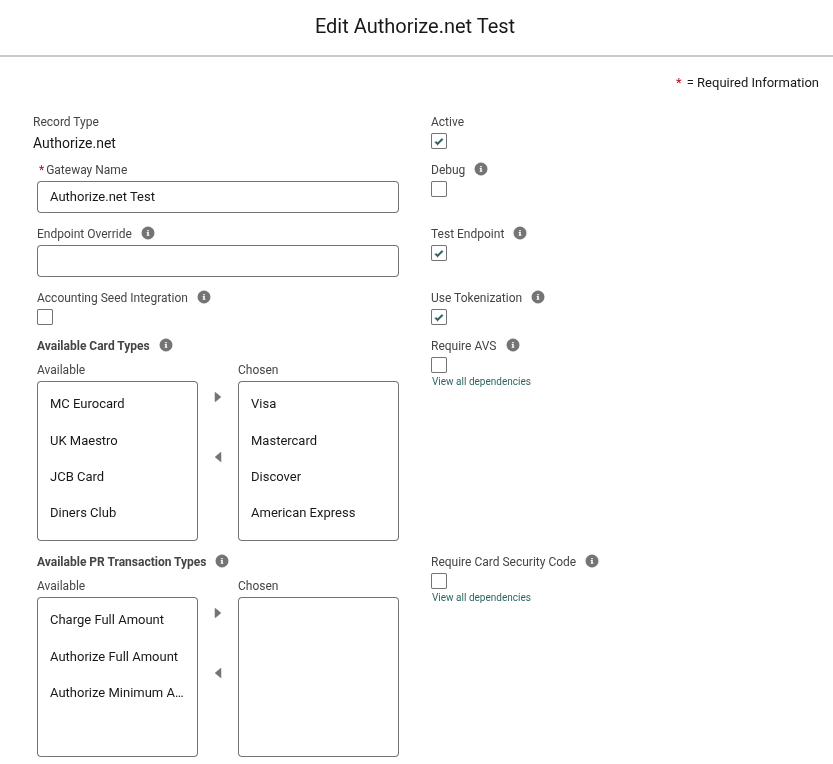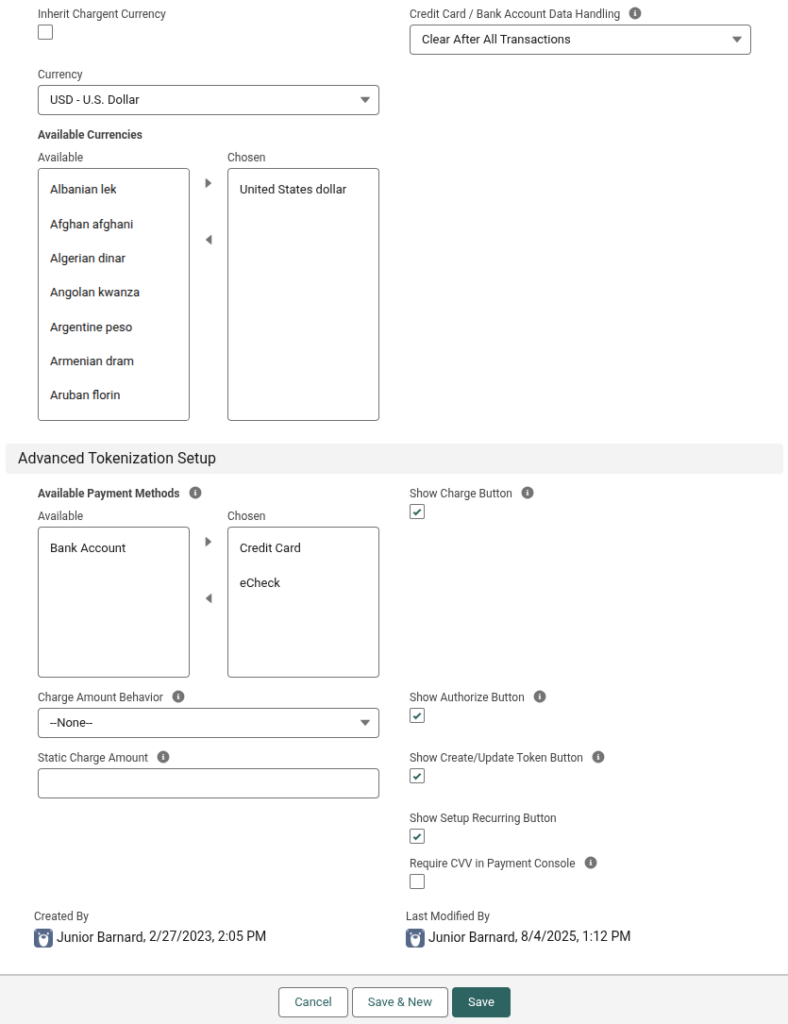
When completing the Gateway Setup Wizard, a gateway record is created, and the fields are populated based on your selections. These settings can be modified at any time by editing the gateway and clicking Advanced Settings, as described below:
Access the Gateway Advanced Settings #
- In Salesforce, click the AppLauncher.
- Search for and select Gateways.
- Find and click the name of your gateway record.
- From here, you can see the gateway’s settings at a glance, but they cannot be modified directly.
- In the top right, click Edit.
- Click Advanced Settings.
Edit the Gateway Advanced Settings #
The gateway record’s Advanced Settings effectively allow you to modify the fields on the gateway record. To learn more about these fields, visit Gateway Fields. Please note that a few fields are gateway-specific, as noted in their descriptions. The screenshot below shows the Gateway Advanced Settings.