
Remote Sites are used to call out from Salesforce to an external site, such as your gateway or Lyons (for ACH Validation). Before you can create a gateway in Salesforce using the Gateway Setup Wizard, you must activate the Remote Sites for your specific gateway or Lyons by following these instructions:
- In Salesforce, click the gear icon on the top right and choose Setup.
- In the Quick Find box, search for and select Remote Site Settings.
- Find all remote sites containing the name of your gateway or Lyons. For a list of required sites for a gateway, refer to your Gateway-Specific Guide and search for “Remote Site”.
- Click Edit next to the remote sites you wish to activate.
- Check the Active box.
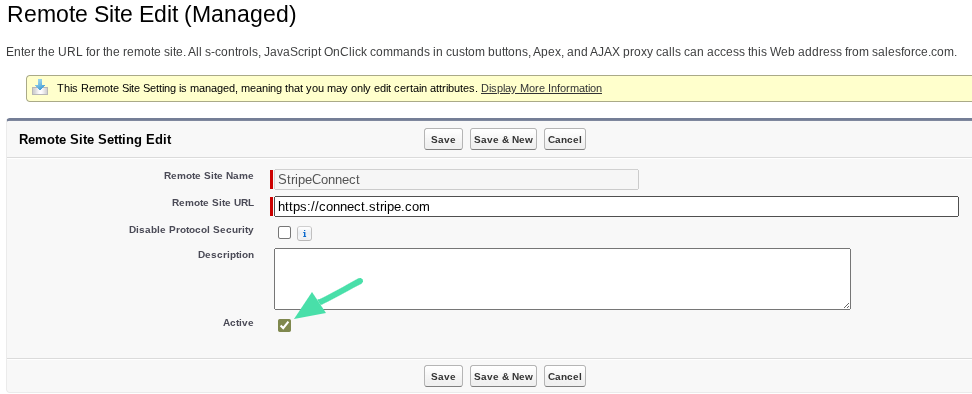
- Click Save.