
Chargent includes three packages that can be installed into your Production or Sandbox Org: Base (ChargentBase), Orders (ChargentOrders), and Anywhere (ChargentAnyObj). Fortunately, installation and updates are made easy using the Package Installation Manager (PIM). We always recommend installing or updating in a Sandbox before doing so in a Production environment.
Note: Your Chargent packages will be push updated three times a year following Salesforce’s major releases, but to take advantage of our most recent updates, or to test any updates before a push update, we recommend updating Chargent using the process below.
Install or Update all 3 Chargent Packages #
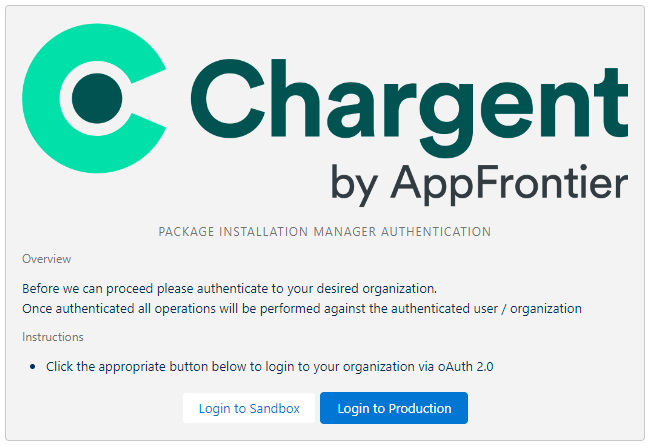
You can access the PIM to install or update Chargent on our website’s installation & updates page. Click Install & Update Chargent. You will be instructed to log in to your Salesforce Sandbox or Production org and click Allow to grant access and install Chargent.
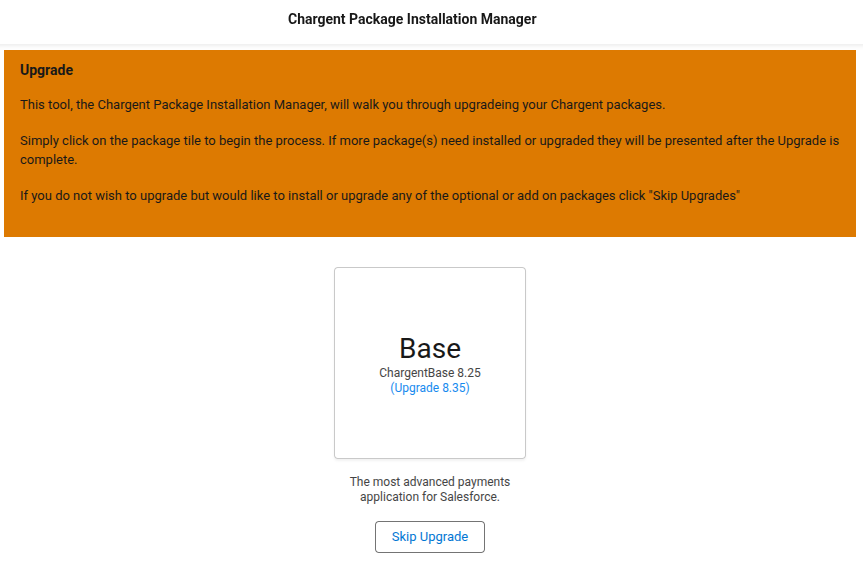
You will need to install three packages. To ensure that all three packages are version-aligned, do not click Skip Upgrade. Instead, click the box for the Base (ChargentBase) package, and wait for the installation to complete.
You will see the following screen while the PIM installs the package. It will take a few minutes to complete the installation or update. We recommend that you refrain from navigating away from the PIM webpage during installation. Some browsers include a memory mode that may interrupt your installation.

When the package completes installing or updating, you will see a screen noting that the Upgrade was successful.

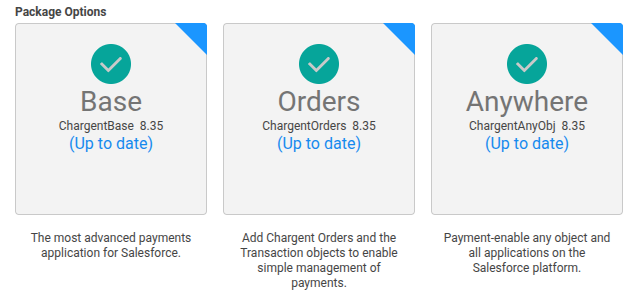
Click Continue to proceed. Repeat the steps above to install or update the remaining packages: Orders (ChargentOrders) and Anywhere (ChargentAnyObj). Once you have installed or updated all three packages, you will see the Base, Orders, and Anywhere package options checked, indicating they are installed and up to date.
Lastly, we recommend periodically checking for updates to ensure you get the most out of Chargent. To learn more about how we are improving Chargent, check out our latest Release Notes.
Now that you’ve installed Chargent, you can assign your licenses and permissions.
See Also
Release Notes & Supported Versions
Chargent Installation and Updates