The market conversation around payments is changing fast.
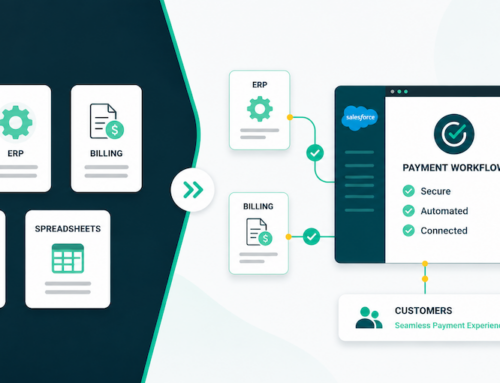
A few years ago, “modernizing payments” often meant adding a gateway, improving authorization rates, or making checkout faster. Today, the conversation is moving well beyond transaction processing toward full system automation – where payments, billing logic, customer self-service, and internal workflows all live in one place and run with minimal manual effort. That shift is the core signal behind the portal boom – and it’s exactly what we’re hearing across industries as teams rethink their Salesforce architecture.
This post breaks down the three dominant themes driving that pivot – based on the real-world requirements organizations are prioritizing right now: self-service portals, “Netflix-style” subscription management, and high-touch payment workflows handled directly in Salesforce records.
Theme 1: The Mandate for Self-Service in Experience Cloud
The loudest request in the market right now is straightforward: let customers (or donors, members, students, patients, etc.) manage payments themselves – without opening a ticket or calling support.
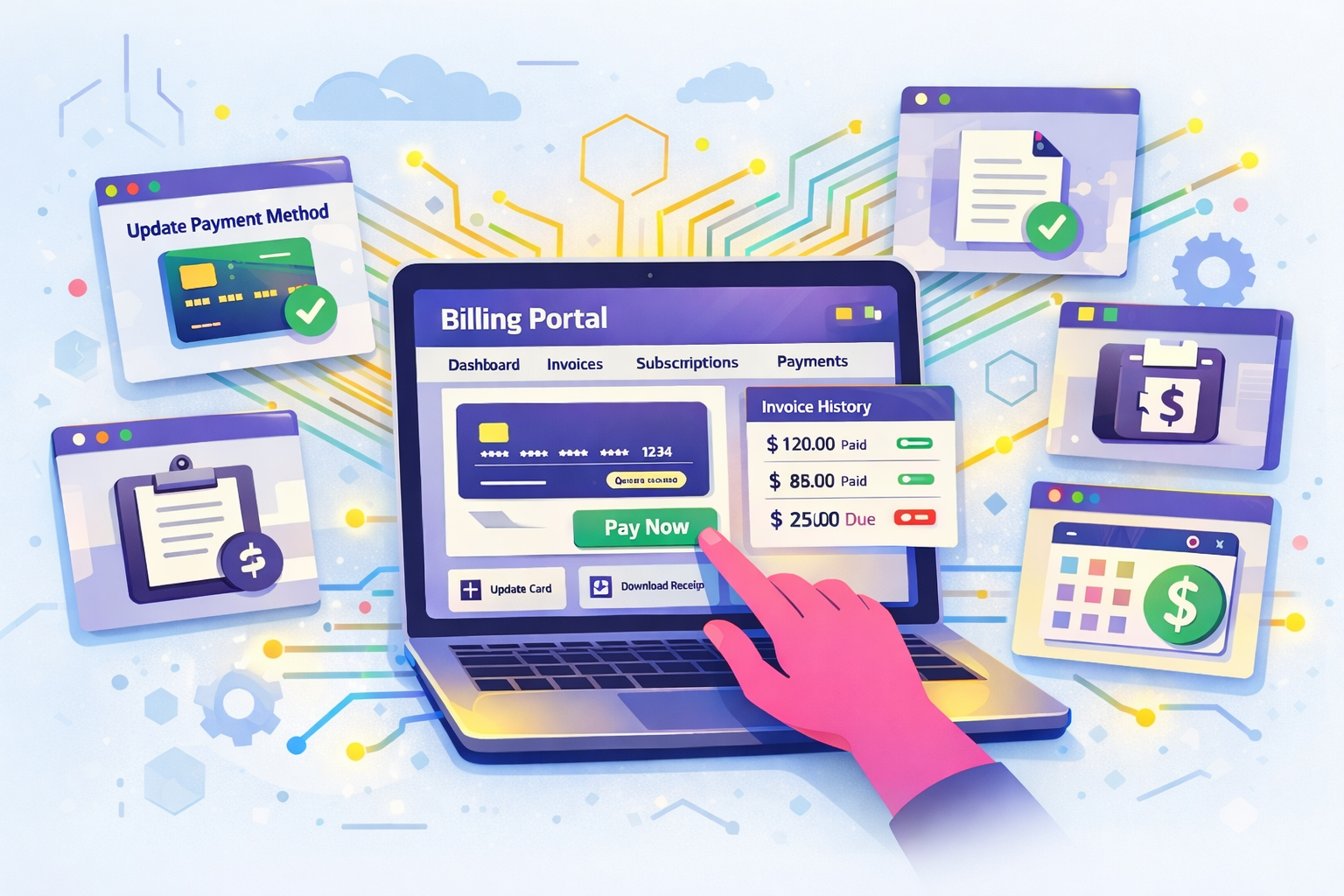
In Salesforce terms, that means building native self-service payment experiences in Experience Cloud, often leveraging the new Agentforce Service Portal tools where users can:
- Update payment methods
- View invoices or donation history
- Access receipts and confirmations
- Manage recurring contributions or membership status
Customers increasingly prefer self-service for routine actions. Salesforce reports that 61% of customers would rather use self-service to resolve simple issues.
And the expectation for around-the-clock availability is climbing too. Zendesk reports that 74% of consumers say AI has made them expect customer service to be available 24/7.
What self-service looks like in practice
Across the projects described in your outline, self-service portals show up in a few common flavors:
1 – Membership and donor portals
Many nonprofits are building donor/member portals on Experience Cloud so constituents can self-manage donations, update card details, and pull receipts – reducing support workload while improving retention.
2 – Billing and account management portals
For software and services organizations, self-service is often about giving customers a place to pay, manage billing details, and reduce manual reconciliation.
3 – Diverse, high-volume community use cases
Membership organizations and credentialing bodies often need portals for annual fees, certification exams, and large-scale community access. In these scenarios, portal UX isn’t cosmetic – it’s operational infrastructure.
The pain this solves (and why payments inside Salesforce matters)
The consistent pain point behind portal projects is the same: manual work and reconciliation chaos.
When payments happen outside Salesforce – through a disconnected billing portal, a gateway’s virtual terminal, or an external subscription platform – teams end up with duplicate records, messy handoffs, manual updates to customer data, unclear payment history across systems, and support cases triggered by preventable “where do I update my card?” issues. Centralizing the self-service experience and the payment workflow inside Salesforce eliminates the swivel-chair workflow and creates a single source of truth.
Theme 2: Complex Subscription Management – the “Netflix-Style” Imperative
The second dominant theme is recurring revenue complexity.
Many teams have “recurring billing,” but what they actually need is subscription management – the “Netflix-style” model where customers can upgrade, downgrade, switch plans, add seats, change timing, and renew automatically without breaking workflows or requiring back-office intervention.
What “Netflix-style” really means in Salesforce
Organizations want upgrades, switches, and auto-renewals handled entirely within Salesforce. In practical terms, that usually requires:
- Subscription + entitlement logic tied to Salesforce objects
- Flexible pricing/plan structures (add-ons, tiers, seats, bundles)
- Clean proration and effective-date management
- Payment method management (including expiring cards and retries)
- Automated notices and customer-facing subscription controls (often via portal)
Why this is replacing external billing platforms
A big driver here is the desire to move away from external billing platforms – especially when the business already runs customer operations in Salesforce. Teams want fewer integrations to maintain, less data duplication, faster change management, and end-to-end automation (from subscription changes → billing → payment → revenue reporting).
Feature spotlight: Automated Collections for failed recurring payments
Recurring revenue lives or dies on what happens when a payment fails. That’s why Automated Collections, which automates payment collection retries, customer outreach, and payment method updates, is showing up as a core requirement – not a “phase two” nice-to-have.
One caution: self-service has to fully resolve the issue to work. Gartner found that only 14% of customer service issues are fully resolved in self-service, and only 36% are resolved via self-service even for “very simple” issues.
Theme 3: Streamlining High-Touch Processes with a Payment Console
The third theme is about internal teams who handle revenue in high-touch scenarios – phone orders, call centers, service desks, membership teams, and billing specialists. Doing this right matters in those scenarios where making the payment in a portal isn’t an option at that moment.
These teams want to retire physical terminals and eliminate the manual “swivel chair” process (copying data between Salesforce and gateway screens) by adopting a Payment Console directly on the Salesforce record.
Where the Payment Console shows up most
- Phone order efficiency: taking one-time payments and updating payment methods over the phone – without leaving Salesforce
- Moving away from manual entry: replacing the error-prone practice of keying card details into external gateway portals
This is a critical part of “full system automation” because it removes the last mile of human reconciliation. When staff can take payments on the record (and trigger the next workflow step immediately), Salesforce becomes the operating system for revenue – not just the CRM next to it.
Conclusion: Moving Billing and Payments Onto the Platform
When you connect the dots across these three themes, the direction of travel is clear:
- Customers expect self-service portals that let them manage payments, payment details and history.
- Businesses need subscription logic that behaves like modern consumer platforms.
- Internal teams need on-record payment tools that eliminate swivel-chair work.
Together, these trends create a substantial market opportunity for partners and Salesforce teams who can help clients move their billing portals and subscription logic onto the Salesforce platform.
And they create a clear “next step” conversation: when these requirements surface, someone needs to handle the payment infrastructure side of the build – secure processing, tokenization, automation hooks, and the operational infrastructure that makes a portal or subscription experience actually work end-to-end.
If you’re seeing customers initiate large-scale portal, billing, or subscription architecture projects, now is the time to align: define the experience, map the automation, and build the payment foundation that turns Salesforce into the system of action – not just the system of record.
Contact us today to explore how Chargent can streamline your payment flows within Experience Cloud. The move to a self-service portal isn’t just a technical upgrade; it’s a commitment to a more scalable future.
Sources
- Salesforce (61% prefer self-service):
https://www.salesforce.com/service/what-is-customer-service/stats/ - Zendesk CX Trends (74% expect 24/7 due to AI):
https://cxtrends.zendesk.com/ - Gartner (14% fully resolved in self-service; 36% for “very simple”):
https://www.gartner.com/en/newsroom/press-releases/2024-08-19-gartner-survey-finds-only-14-percent-of-customer-service-issues-are-fully-resolved-in-self-service